Your business is growing, but everyday tasks are getting harder to manage. Customer details sit in spreadsheets, staff copy information between different systems, and a simple progress update requires several messages.
At this point, building custom software can sound appealing. But is it the right investment, or could an existing tool solve the problem?
The answer depends on your workflow, budget and the amount of ongoing support your business can manage. Before paying for development, take a closer look at what you actually need.
What Is Custom Software?
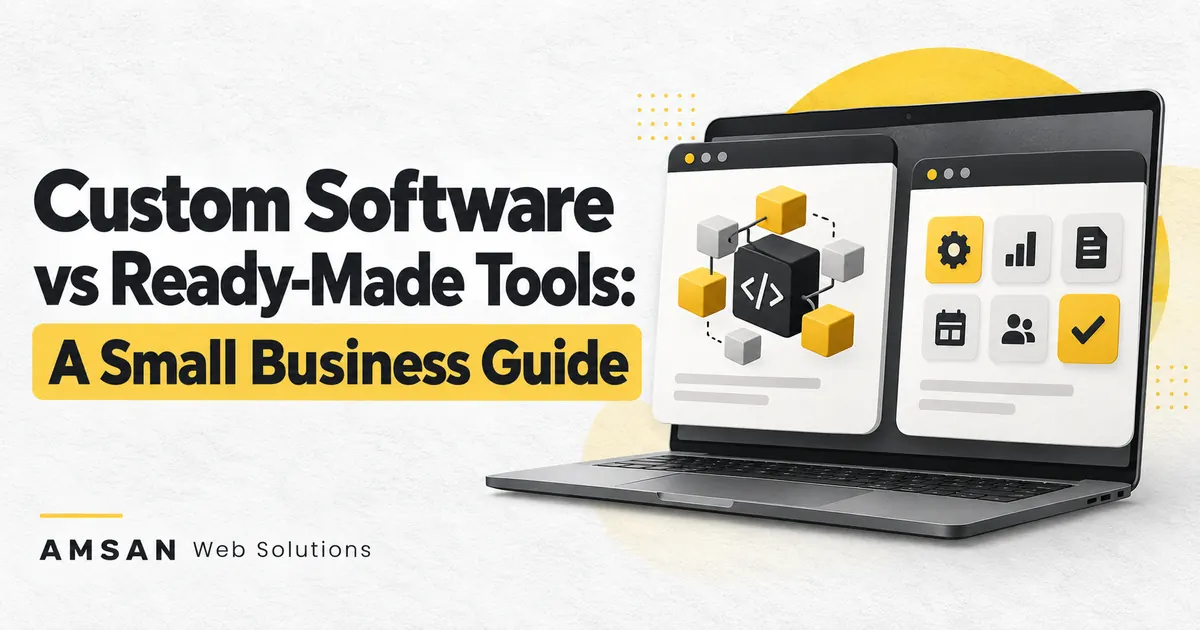
Custom software is designed around a particular business requirement. It might be a customer portal, a booking system, an inventory dashboard or an internal application that connects several processes.
For example, a service company might need customers to upload documents, approve quotations and track job progress in one place. A custom portal could bring those activities together.
The scope can be small. You do not necessarily need to replace every system your business uses.
What Are Ready-Made Tools?
Ready-made software is built for requirements shared by many businesses. Examples include appointment booking tools, customer relationship management systems and online store platforms.
You select a suitable product, configure it and adapt your working process to its available features.
For a small business with straightforward needs, this can be a practical starting point. The important question is whether the product handles your essential tasks without creating awkward workarounds.
Compare the Options Before Choosing
| Consideration | Custom Software | Ready-Made Tools |
|---|---|---|
| Fit | Designed around an agreed workflow | Depends on available features and configuration |
| Getting started | Requires discovery, development and testing | Can be quicker when the product already fits |
| Initial cost | Includes design and development work | May include setup, migration and subscription costs |
| Changes | Planned with the development team | Limited by product capabilities and integrations |
| Maintenance | Needs an agreed support arrangement | Vendor manages the product; your team manages its use |
| Moving away | Depends on code, data and contract arrangements | Depends on export options and vendor restrictions |
These are general trade-offs. A heavily customised existing tool can become more complicated than a small custom application.
1. Describe the Problem Before Listing Features
“We need an app” is not yet a useful development brief.
A clearer starting point would be:
“Our staff spend time copying each customer enquiry into three spreadsheets. We need one record that the sales and operations teams can both use.”
This gives you something concrete to evaluate.
Ask your team where delays happen, which information gets entered repeatedly and what mistakes create the most rework. Write down a few recent examples.
You may discover that the problem can be solved by configuring an existing system, connecting two tools or simplifying a process.
2. Try the Essential Workflow in an Existing Product
Do not choose software from its homepage alone. Test a real task.
For a booking system, try creating an appointment, changing it, cancelling it and checking what the customer receives.
For an inventory tool, test a stock adjustment and a return—not just adding a product.
Record where the tool works well and where it breaks down. Distinguish between a minor inconvenience and a missing capability that prevents your team from doing its job.
This turns a vague preference into a practical comparison.
3. Consider Custom Development When the Gaps Matter
Custom software deserves consideration when important requirements cannot be met reliably through configuration or supported integrations.
Examples might include:
- A quotation process with business-specific calculations.
- Several approval stages involving different teams.
- A customer portal that combines information from multiple systems.
- Specialist reporting needed for daily decisions.
Before building, ask whether the workflow is stable enough to describe. Automating a process that changes every week can create repeated development work.
Start with the smallest useful version and test it with the people who will use it.
4. Compare the Full Cost of Ownership
A development quote and a monthly subscription are not directly comparable.
For both options, estimate the cost of:
- Initial setup and data migration.
- Staff training.
- Integrations and additional features.
- Hosting or subscriptions.
- Maintenance and support.
- Future changes.
- Exporting data or moving to another provider.
Use a realistic period, such as the next two or three years, and write down your assumptions.
Also estimate the time your team spends on the current process. That does not automatically justify a new system, but it helps explain what improvement would be valuable.
5. Make Usability Part of the Requirements
A system can have the right features and still be difficult to use.
Ask staff to try a prototype before every screen is fully developed. Watch where they hesitate, which labels confuse them and whether they can complete a task without someone explaining each step.
Include accessibility in this review. Clear labels, keyboard navigation, readable contrast and useful form instructions are established parts of accessible web development.
If the application will be used on phones, test those tasks on a phone rather than relying only on a desktop demonstration.
6. Agree on Ownership, Access and Handover
Before approving a custom project, clarify what you will receive.
Discuss access to the code, documentation, hosting accounts and business data. Put ownership and licensing arrangements in the agreement rather than assuming that paying for development settles every question.
For ready-made tools, check how data exports work. Try an export during evaluation and confirm that the result includes the information your business needs.
In either case, the business should understand how to recover access if a staff member or supplier becomes unavailable.
7. Plan for Maintenance After Launch
Someone needs to handle updates, support requests and recovery.
Ask who will investigate problems, how urgent issues should be reported and which changes fall outside the support arrangement.
For WordPress-based projects, backups should include both files and the database. Confirm that restoration has been tested, not simply that a backup job exists.
A clear handover makes the software easier to manage after the initial development team steps back.
Can You Combine Both Approaches?
Yes. You might keep an established platform and develop only the missing part.
For example, a business could use WordPress for its public website and add a small custom integration for an internal workflow.
This approach still needs careful planning. Check compatibility, support responsibilities and what happens when either system changes.
Questions to Ask Before You Decide
- What exact problem are we solving?
- Can an existing product complete our essential workflow?
- Which gaps justify custom development?
- What will the total cost look like over time?
- Who will maintain the solution?
- How will we export our data or change providers?
- How will we measure whether the new system is helping?
Let’s Find the Right Approach for Your Business
AMSAN Web Solutions helps businesses plan and develop practical digital solutions. Whether you need a website improvement, a custom feature or a more connected workflow, start by sharing the problem you want to solve.
Build What Your Business Needs—and Make It Easy to Use.