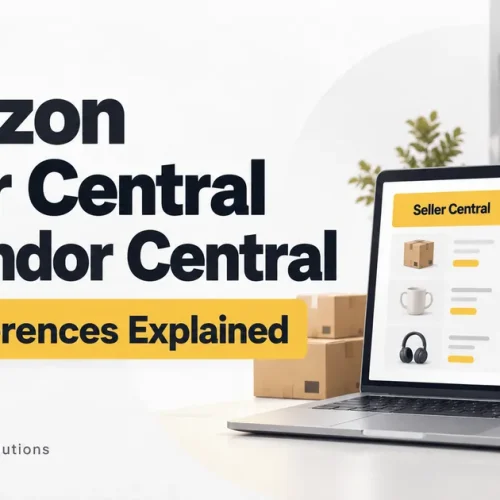
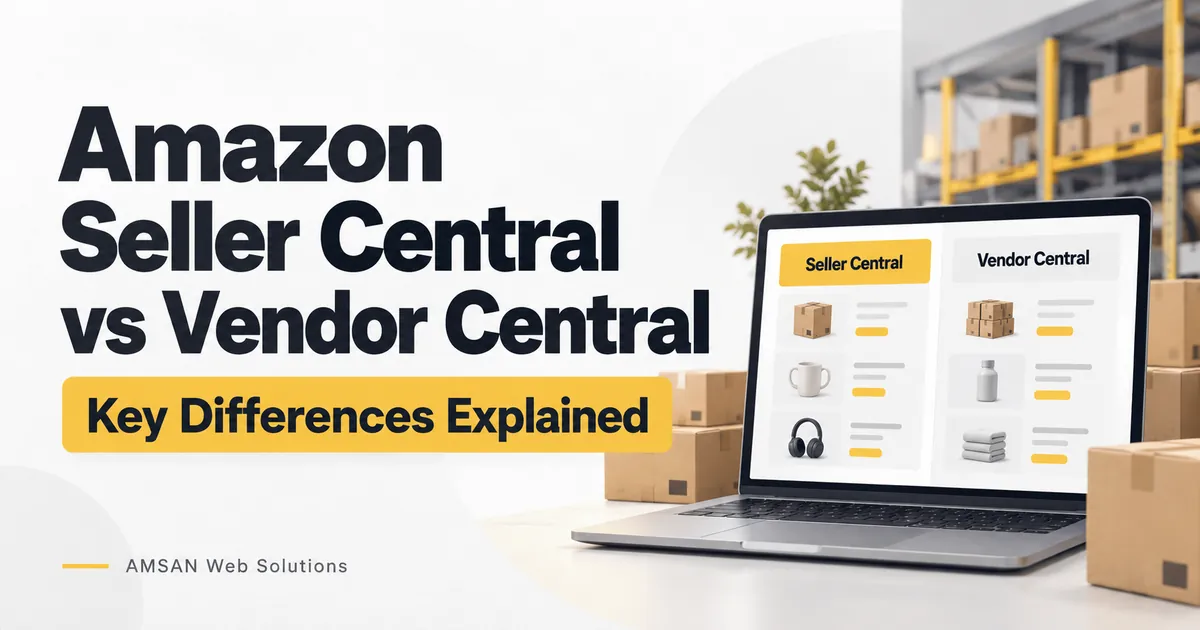
If you are planning to sell products on Amazon, you will probably come across two names: Seller Central and Vendor Central.
They sound similar, but they represent different business relationships. The distinction affects who buys your products, how you manage sales and which responsibilities remain with your business.
Before choosing a route—or accepting a vendor opportunity—it helps to understand what each model involves.
What Is the Difference Between Seller Central and Vendor Central?
With Seller Central, you sell products to customers through Amazon’s marketplace as a third-party seller.
With Vendor Central, you supply products wholesale to Amazon, which resells them. Amazon describes this as a first-party vendor relationship, and access is invitation-only.
For example, imagine a business selling kitchen storage containers. As a seller, it offers those containers to shoppers on Amazon. As a vendor, it supplies stock to Amazon as its wholesale customer.
That difference matters more than where the stock is stored.
Seller Central vs Vendor Central at a Glance
| Area | Seller Central | Vendor Central |
|---|---|---|
| Business relationship | Third-party marketplace seller | Wholesale supplier to Amazon |
| Who you sell to | Amazon customers | Amazon |
| Access | Registration, verification and applicable approvals | Invitation from Amazon |
| Main commercial focus | Customer orders and marketplace operations | Wholesale supply relationship |
| Starting point | Review selling requirements for your marketplace | Review the invitation and proposed agreement |
These are different operating models, rather than beginner and advanced versions of the same account.
What Can You Do in Amazon Seller Central?
Seller Central is the workspace used to manage listings, stock, orders, payments and account performance. Available tools vary by marketplace, account and programme eligibility.
For a new seller, the most useful approach is to learn the tasks in the order you will actually use them.
1. Complete Registration and Verification
Start with the registration process for the country where you intend to sell. Prepare the business, identity, bank and tax information requested for your circumstances.
Submitting a registration form does not automatically mean every product is approved for sale. Check category and product requirements before buying stock or committing to a launch date.
For India-specific onboarding, refer to Amazon’s current seller guidance rather than assuming instructions for Amazon.com also apply to Amazon.in.
2. Match or Create Product Listings
If the exact product already exists in Amazon’s catalogue, add your offer to the appropriate existing listing. If it does not exist, you may need to create a new product detail page and provide the required information.
An ASIN is Amazon’s catalogue identifier for a product. Before matching an existing ASIN, check the brand, model, size, colour and pack quantity carefully.
A pack of two containers should not be listed against a pack of four simply because the images look similar.
Prepare accurate titles, images, specifications and product identifiers. Where relevant, check whether approval or a product identifier exemption is needed.
3. Choose How Orders Will Be Fulfilled
Your selling account and your fulfilment method are separate decisions.
On Amazon.in, common fulfilment options include:
| Method | Storage and Packing | Delivery |
|---|---|---|
| Fulfilment by Amazon — FBA | Amazon stores and packs eligible stock sent to its fulfilment centres | Amazon delivers customer orders |
| Easy Ship | You store and pack products | Amazon collects and delivers eligible orders |
| Self-Ship | You store and pack products | You arrange delivery through your own resources or a carrier |
Availability and service conditions depend on the location, product and programme. Compare the practical requirements alongside the costs.
4. Keep Product Information Useful
A listing should help someone decide whether the product suits their needs.
For a storage container, that could mean showing its dimensions, capacity, material, lid design and care instructions. Clear information is more helpful than repeatedly describing it as “premium” or “best quality.”
Review the images and description together. If they suggest different sizes or quantities, fix the inconsistency before increasing advertising spend.
Amazon’s guidance also highlights the importance of useful detail-page content and available inventory when preparing products for advertising.
Does Using FBA Make You an Amazon Vendor?
No. FBA is a fulfilment service, not a wholesale selling relationship.
With FBA, a marketplace seller sends eligible inventory to Amazon for storage and fulfilment. Amazon handles picking, packing and shipping, along with customer service and returns for those FBA orders.
Sending stock to an Amazon warehouse through FBA does not mean Amazon has purchased it wholesale.
You still need to plan stock levels, assess costs and manage your responsibilities as a seller. FBA can take delivery work off your hands, but it does not remove the need to manage the business.
What Should You Consider Before Accepting a Vendor Arrangement?
If your business receives an invitation, evaluate the proposed relationship as a wholesale supply agreement.
Start with the commercial and operational details:
- What purchase price is being offered?
- What payment terms apply?
- Which deductions, allowances or other charges could apply?
- What delivery, packaging and documentation requirements must you meet?
- How will returns or disputed quantities be handled?
- How much working capital will you need?
- Which responsibilities remain with your team?
Use the actual agreement and account documentation to answer these questions. Do not build a forecast around assumed payment periods, guaranteed order volumes or an expectation that Amazon will purchase all available stock.
Also clarify how retail pricing is handled. A supplier’s suggested retail price should not be treated as a guaranteed customer selling price.
A useful decision is one your business can support operationally as well as commercially.
Understand Your Costs Before Increasing Sales
A product can sell regularly without leaving a worthwhile margin.
For marketplace selling, calculate the costs relevant to your chosen country, category and fulfilment method. These may include selling fees, delivery, storage, packaging, advertising and returns.
Amazon.in’s published fee structure includes referral fees, closing fees, weight-handling fees and other applicable service charges. Rates vary, so use the current fee schedule and calculator for your products rather than a single percentage applied to everything.
For internal planning, review each product separately:
Sales proceeds − product cost − marketplace and fulfilment costs − advertising − other attributable costs
Treat this as a planning calculation, not a substitute for full accounting. Keep tax treatment consistent and include business overheads when assessing overall profitability.
For a vendor proposal, build a separate forecast using the wholesale purchase price and the terms offered to you. A marketplace retail margin is not a reliable estimate of a wholesale margin.
Where Do Brand Registry, A+ Content and Advertising Fit?
Brand Registry, FBA and Amazon Ads serve different purposes.
Brand Registry helps eligible brand owners access brand protection and brand-building tools. Enrolment has its own requirements, including qualifying trademark requirements.
A+ Content lets eligible accounts present additional product and brand information on detail pages.
Brand Stores provide an opportunity for eligible brands to organise and showcase their range.
Access depends on programme requirements; opening a selling account does not automatically unlock every brand feature.
Advertising is another separate consideration. Amazon offers advertising solutions for vendors too, so it should not be treated as a Seller Central-only capability. Check eligibility for the particular advertising product and marketplace you intend to use.
Before setting a campaign budget, ask whether the listing is ready, stock is available and the expected margin can support the spend.
Which Model Fits Your Business?
Start with your available route and the work your team is equipped to handle.
For a business preparing to manage marketplace listings and customer orders, evaluate seller registration, product eligibility and fulfilment options.
For a business considering a vendor invitation, focus on the wholesale economics, supply requirements and agreement.
Neither label tells you whether the business will be profitable. Build a realistic operating plan around these questions:
- How much stock can you fund?
- How quickly can you replenish it?
- Who will manage product data and day-to-day issues?
- What costs could reduce your margin?
- What happens if demand is lower than expected?
If these answers are unclear, begin with a smaller, manageable product range and refine the plan using actual results.
Common Mistakes to Avoid
Treating Revenue as Profit
Keep a product-level record of costs. Higher sales are useful only when the underlying economics work.
Buying Too Much Stock Before Testing Demand
Avoid tying up most of your available cash in an untested product. Plan an initial quantity you can manage and review the results before replenishing.
Copying Instructions from the Wrong Marketplace
Fees, registration steps and available services differ between countries. Always check guidance for the marketplace you use.
Confusing Fulfilment with the Selling Model
Amazon storing or delivering an order does not, by itself, mean the business has a Vendor Central relationship.
Relying on Vague Product Descriptions
Explain what the customer will receive. Accurate quantities, dimensions and specifications reduce uncertainty before purchase.
Frequently Asked Questions
Is Vendor Central an upgrade from Seller Central?
No. It represents a different commercial relationship. Assess a vendor opportunity on its terms rather than treating it as the next level of a seller account.
Do I need FBA to sell on Amazon.in?
No. Amazon.in also offers Easy Ship and Self-Ship options, subject to applicable conditions. The right choice depends on your products, location and operational capacity.
Will Brand Registry guarantee more sales?
No. It provides eligible brands with tools and protections. Sales still depend on factors such as demand, product quality, pricing, availability and how clearly the offer is presented.
What should I check before launching my first product?
Confirm product eligibility, prepare accurate listing information, select a fulfilment method and estimate the full cost of selling. Then decide how you will manage replenishment and ongoing account work.
Need Help Managing Your Amazon Seller Operations?
AMSAN Web Solutions supports businesses with Amazon Seller Central tasks, including inventory planning, FBA shipment coordination, A+ Content, Brand Store work and marketplace audits.
Whether you are organising a new launch or improving an existing account, share your marketplace, product range and the areas where you need support.
Spend Less Time Sorting Out Your Account and More Time Planning Your Business.