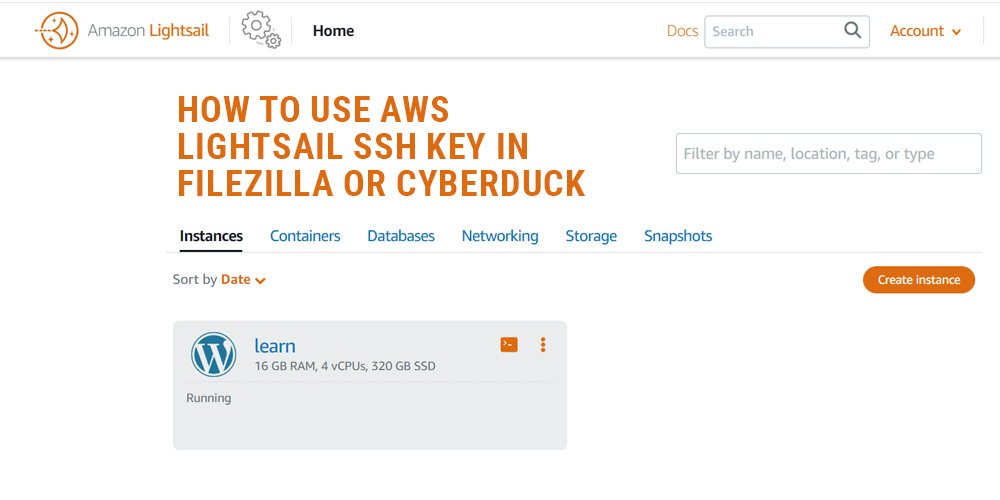
In this article we are telling about how to use AWS lightsail’s ssh key in filezilla and cyberduck.
It is not very difficult but it is a bit difficult for the beginners.
For this you have to open filezilla and click on top menu
FIle > Site Manager > Click to New Site
protocol section > SFTP
Host section > Your host name (Static IP)
Logon Type > Key File
USER > username
Key File > SSh Key
now click to connect Button
Sometimes File Zilla does not access all files, for this you have to use another FTP client.
Now let us see how SSH key is used in Cyber Duck.
Open Cyber duck You have to click on the + icon in the footer.
After this a popup bar will open In this also you have to enter the host name (Static IP) in the server
Username > Add Username
SSH Private Key > Use SSh Key
Now you can close popup window and access your save conection in connection save area and double click to your save conection
In bottom side we have add video to show how to connect ssh key in both ftp client